Dock Switcher press kit
Everything you need to write about Dock Switcher. If you need something that isn’t here, just ask.
About Dock Switcher
A dock for every kind of work.
Dock Switcher is a Mac app that lets you build separate Docks for each kind of work, like coding, design or video, and switch between them in one click. Each Dock keeps its own apps, folders, size, position and auto-hide settings, and your Docks sync to every Mac through iCloud.
You can switch from the menu bar, with a keyboard shortcut, with the Shortcuts app or Siri, or with a URL. Automations can switch Docks on a schedule or when an external display connects. Dock Switcher backs up your original Dock before the first switch, so you can always go back.
Dock Switcher is made by Omevi. It costs $4.99 once on the Mac App Store, with no subscription, and it collects no data.
Fact sheet
- Name
- Dock Switcher
- App Store subtitle
- Custom Docks for Every Task
- Tagline
- A dock for every kind of work.
- Developer
- Omevi
- Released
- October 2026 (version 1.0)
- Price
- $4.99 one-time. No subscription, no in-app purchases. Family Sharing.
- Platform
- macOS 14 Sonoma or later, Apple silicon and Intel
- Category
- Utilities
- Privacy
- Data Not Collected. No accounts, analytics or tracking.
- Website
- dockswitcher.com
- App Store
- Mac App Store
- Contact
- support@dockswitcher.com
Key features
- Unlimited custom Docks, each with a name, color and symbol.
- Holds everything the native Dock does: apps, folders and stacks, files, web links and spacers.
- Per-Dock settings, including icon size, magnification, position, auto-hide and minimize effect.
- Switch from the menu bar, global keyboard shortcuts, the Shortcuts app and Siri, or a
dockswitcher://URL. - Automations by schedule or by external display.
- iCloud sync across your Macs, with no new account.
- Automatic backup of your original Dock and one-click restore.
- Seven starter templates that fill in with apps you already have.
- Import and export Docks as
.dockswitcherfiles. - Native SwiftUI, light and dark mode, and a menu bar app that can hide from the Dock.
App icon
Please don’t recolor, rotate or outline the icon. Leave clear space around it equal to the height of one app tile.
 Icon PNG1024 × 1024
 Icon PNG512 × 512
 Icon PNG256 × 256
 Icon PNG128 × 128
 Icon SVGVector
 Mark SVGFor use beside the wordmark
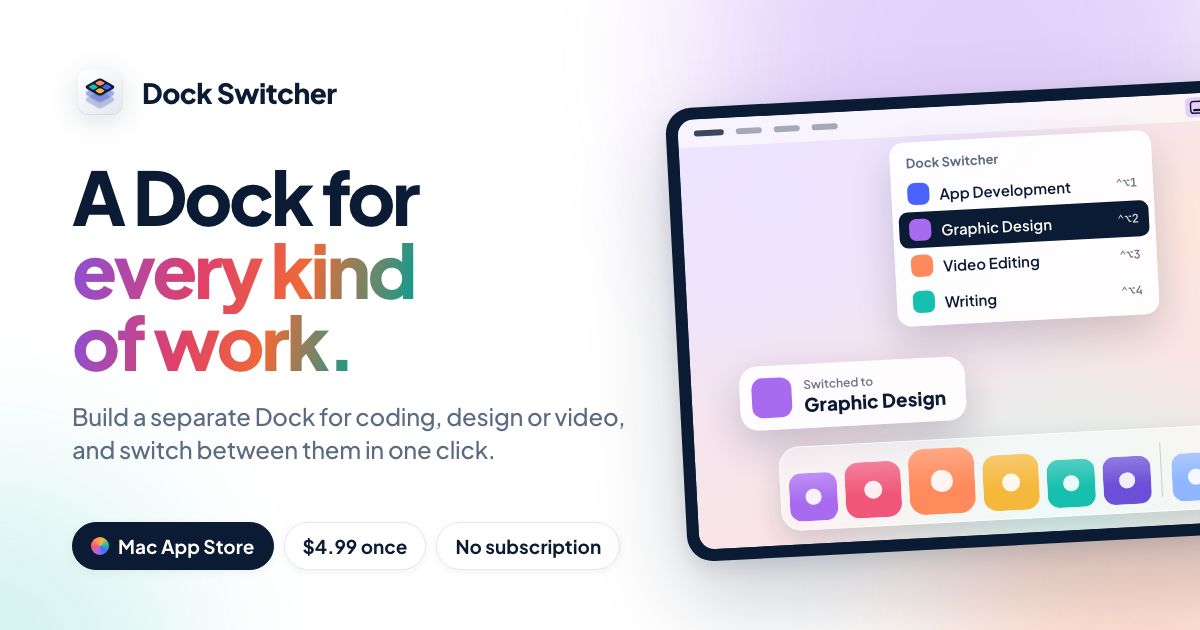 Social card1200 × 630 PNG
Smaller PNG sizes: 64, 32, 16 px.


Brand colors
#FFFFFF#EEF1F6#0B1B33#5B6B82#0A1220#A86BF0#F0567A#FF8A5B#F5B83D#17BFAE#4A63FFOrchid → Rose → Buoy → LagoonTypeface: Plus Jakarta Sans (800 for display, 700 for headings). The wordmark is “Dock Switcher” in Plus Jakarta Sans 800 with −0.02em tracking.
Press contact
For interviews, review copies or anything else, email support@dockswitcher.com.